 Process Explorer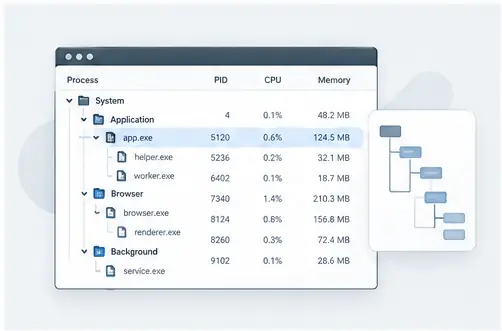
Process tree
Understanding the Process Tree in Windows
Learn how parent and child processes relate, how to read a process hierarchy, and where the process tree fits into everyday troubleshooting.
Read guide →Nine focused articles covering process trees, handles, modules, search, resource usage, troubleshooting, services, security investigation and process relationships.
Learn how parent and child processes relate, how to read a process hierarchy, and where the process tree fits into everyday troubleshooting.
Read guide →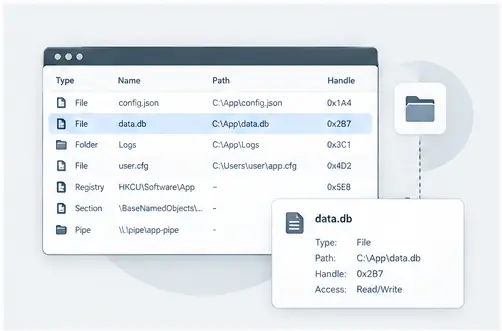
A practical guide to tracing open files and handles when Windows says a file is in use or an application refuses to release a resource.
Read guide →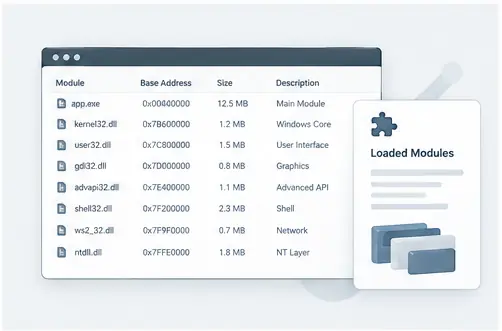
See how loaded modules add context to a running process and how module information can help when investigating application behavior.
Read guide →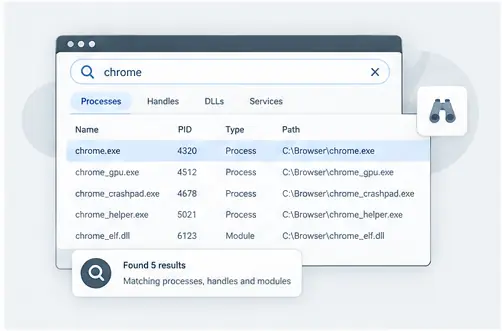
Use focused search to narrow a busy Windows system and find the process connected to a file, handle or loaded component.
Read guide →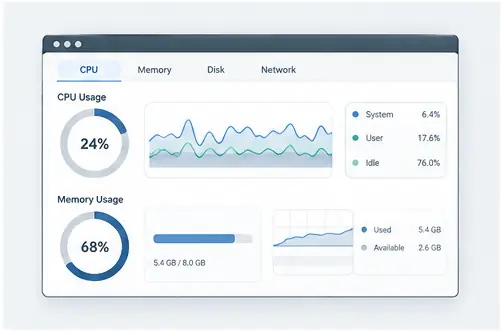
Understand the difference between a process that is busy, a process that is simply large, and a short-lived spike that may not indicate a problem.
Read guide →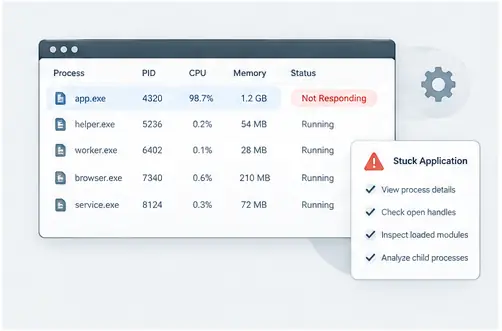
A structured workflow for moving from a visible application problem to the process, child processes, resources and modules involved.
Read guide →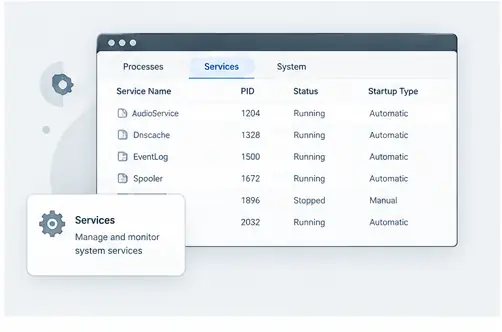
Learn how services appear in the process landscape and how process relationships can add context when a service behaves unexpectedly.
Read guide →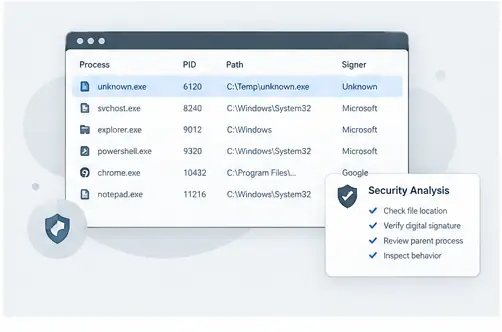
Use process names, paths, relationships and loaded components as evidence during a careful investigation of unfamiliar activity.
Read guide →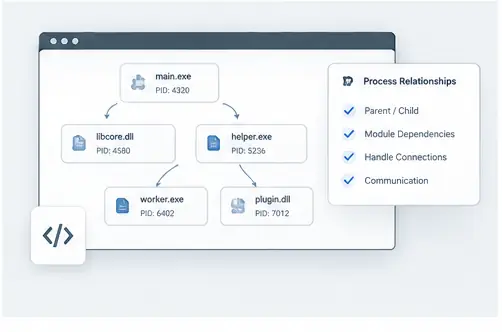
Follow the chain from a parent process to helper processes and loaded components to understand how an application is assembled at runtime.
Read guide →Each guide is designed as a standalone reference with one clear topic, practical steps and its own visual example.
↓ Download Process Explorer